Lesson pack · Intro to Coding

Introduction to Coding

Computational thinking for beginners: an unplugged "Robot You!" game, drag-and-drop Blockly, and a first taste of Python - with cheat sheets and a Cece story.

Grades 2–8FlexibleUnplugged + devicesOffline options

Is this right for my class?

Grade & subject

Designed for grades 2–8. Supports AI learning by building the computational-thinking foundation AI is built on.

Time & prerequisites

Flexible. Mix and match across a few sessions. No prior coding experience needed.

Devices & internet

Partly. The "Robot You!" game and cheat sheets are screen-free. Blockly and Python practice need devices.
What students will learn

Essential question: What does it mean to give a computer clear, step-by-step instructions - and why does being exact matter?

By the end, students can

  • Explain that code is a precise set of step-by-step instructions.
  • Give clear, exact directions in the unplugged "Robot You!" game.
  • Build a simple program with Blockly's drag-and-drop blocks.
  • Recognize that programming languages (like Python) have their own grammar.
  • Practice reading and writing a first line of Python.

Big idea

Computers do exactly what you say. Coding is the skill of giving clear, ordered instructions - the same precision that powers the AI students are learning about.

Prepare & materials

Required (works offline)

  • Printed cheat sheets (Intro to Coding, Python).
  • Open space for the unplugged "Robot You!" game.
  • The Cece coding story.

Prep time: about 10 minutes to print the cheat sheets and worksheet.

Optional (needs devices)

  • Devices with Blockly for the drag-and-drop activity.
  • Devices for the Python worksheet practice.

Suggested teaching flow

This unit is a set of activities rather than a scripted agenda. Here is a suggested way to teach it.

  1. Play "Robot You!" (unplugged) - one student is the robot; others give exact directions. Precise steps win.
  2. Intro to Blockly - build a simple program by snapping blocks together.
  3. Meet a programming language - use the cheat sheets to see how Python says "Hello!"
  4. Practice with Python - work through the Python worksheet.
  5. Read the Cece coding story to tie it together.

Assessment

Along the way (formative)

  • Watching precision improve during "Robot You!"
  • Checking Blockly programs run as intended.

At the end

The Python worksheet and a short share-out show what students can now read and write in code.

Open the Exit Ticket ↗

Differentiate & extend

Support

  • Start with very short instruction sequences in "Robot You!"
  • Use the cheat sheets as a reference during practice.
  • Pair students for Blockly and Python.

Stretch

  • Extend the Blockly project with loops.
  • Write a few more Python lines beyond the worksheet.

What's included

Download everything at once, or grab the pieces you need. All files are PDFs.

Download the complete lesson (.zip)
  • Intro to Blockly - the unplugged "Robot You!" intro and Blockly steps. Open ↗
  • Blockly instructions - step-by-step Blockly guide. Open ↗
  • Block coding - block-coding activity. Open ↗
  • Intro to Coding cheat sheet - programming-language basics. Open ↗
  • Python cheat sheet - a Python quick reference. Open ↗
  • Intro to AI cheat sheet - AI vocabulary reference. Open ↗
  • Python worksheet - hands-on Python practice. Open ↗
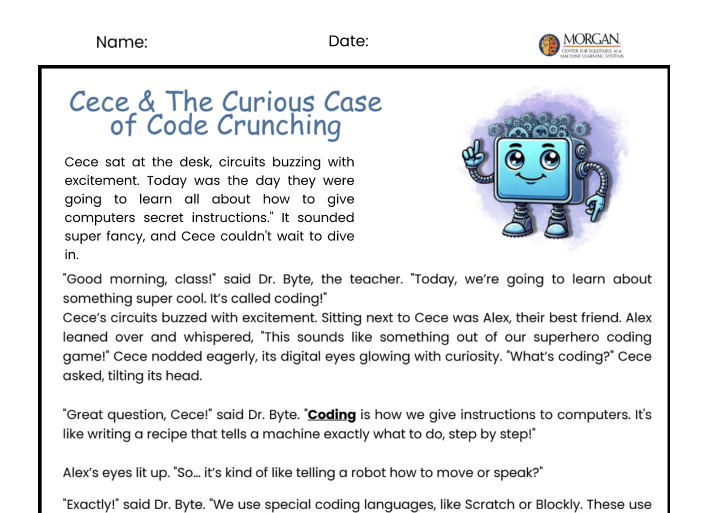
  • Cece story - "Cece and the Curious Case of Code Crunching." Open ↗

Good to know

This coding pack does not include a formal standards map yet. Grade band: 2–8. Use it to build computational-thinking skills alongside the AI lessons.

© 2026 Morgan State University. Free to download and use in your classroom. Version 2026. Questions or want to adapt and share it more widely? k12ceamls@morgan.edu.